
 Contact
 How to shop
Delivery
Shopping guide
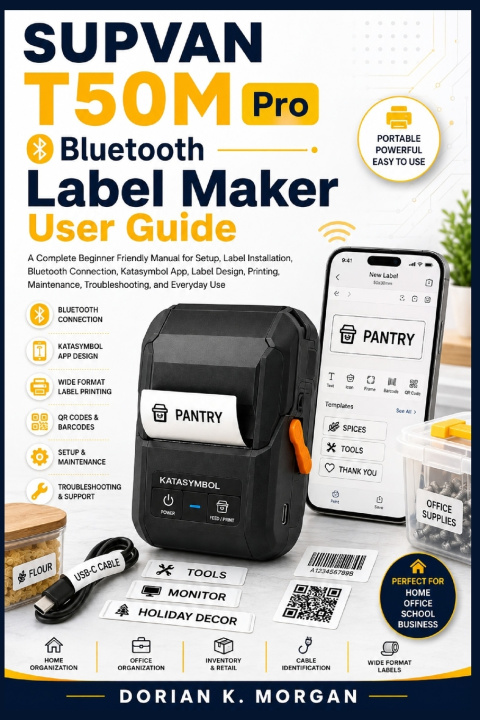
SUPVAN T50M Pro Bluetooth Label Maker User Guide
A Complete Beginner Friendly Manual for Setup, Label Installation, Bluetooth Connection, Katasymbol App, Label Design, Printing, Maintenance, Troubleshooting, and Everyday Use
 English
 27 b
27 b
 Coming soon
 New
New
 Delivery to Austria
Up to 30 days for returns

Disclaimer: This book is an independent instructional guide created to help readers understand and use the SUPVAN T50M Pro Bluetooth Label Maker. It is not the official SUPVAN manufacturer manual and is not affiliated with or endorsed by SUPVAN or Katasymbol.
Are you unsure how to install the label roll correctly? Are you struggling to connect the printer to your smartphone? Do you want to understand the Katasymbol app without feeling overwhelmed? Would you like to create professional labels for your pantry, office, cables, storage containers, products, or inventory? What should you do when labels print faintly, feed incorrectly, or the Bluetooth connection refuses to cooperate?
The SUPVAN T50M Pro Bluetooth Label Maker User Guide was created to answer these questions in one practical reference. Rather than stopping at basic setup, this book takes you through the complete labeling workflow, from understanding the machine and preparing your first roll to designing, printing, maintaining, and troubleshooting your printer. The T50M Pro supports a broad range of label media and is designed around direct thermal printing, while its Katasymbol ecosystem expands the possibilities for custom designs, QR codes, barcodes, images, and data driven printing.
Inside this guide, you will learn how to get started with the hardware, install and replace compatible label rolls, connect the T50M Pro to a smartphone, explore the Katasymbol design environment, create your first label, work with different label formats, improve print quality, and connect the printer to a computer for more demanding projects. The book also covers practical applications involving home organization, office systems, inventory, retail, cable identification, storage, and other everyday labeling needs.
You will also find practical guidance for Katasymbol app tutorial for beginners, SUPVAN label maker tape installation guide, thermal label printing for home organization, and Bluetooth label maker smartphone printing guide workflows. The Katasymbol sections explain the design environment, image import, barcode creation, QR code generation, and other creative tools available within the app.
For more advanced users, the guide explores QR code and barcode label printing, different label materials and formats, professional label design principles, computer based workflows, and data driven projects. It also provides useful ideas related to cable storage bin and pantry labeling ideas, helping you turn labeling from a simple printing task into a practical organization system.
The final sections are designed as a dependable reference when something goes wrong. You will find guidance covering print quality, paper feeding, Bluetooth problems, battery issues, indicator warnings, and other common operational difficulties, making handheld label maker troubleshooting and maintenance a practical part of your long term workflow.
Who is this book for?
It is suitable for beginners, homeowners, parents, organizers, office users, educators, IT professionals, crafters, small business owners, retailers, and anyone who wants a clearer understanding of the T50M Pro. You do not need previous graphic design or technical experience.
If you are completely new to the printer, begin with the early chapters and follow the setup sequence. Once you become comfortable, use the middle chapters as a task based reference for designing and printing. Keep the maintenance and troubleshooting chapters available whenever you need quick assistance.
Get your copy today and turn your SUPVAN T50M Pro into a practical tool for clearer organization, smarter labeling, creative projects, and more efficient everyday work.


About the book
English
Categories
