
 Contact
 How to shop
Delivery
Shopping guide
 English
 49 b
49 b
 Coming soon
 New
New
 Delivery to Austria
Up to 30 days for returns

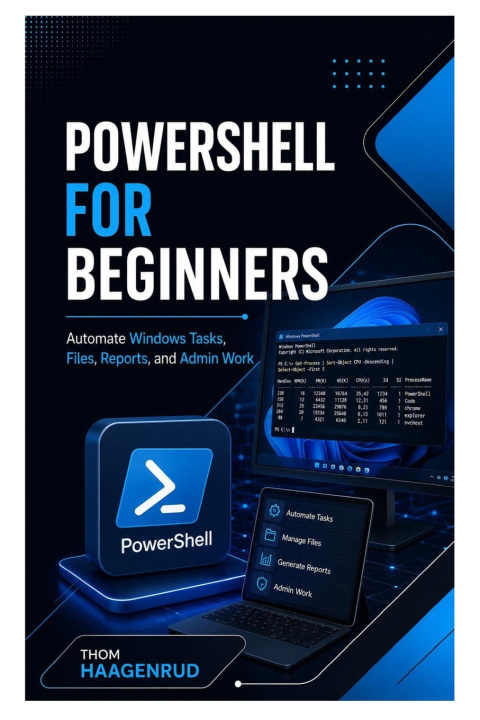
Do you want to stop repeating the same Windows tasks by hand and learn how to automate files, reports, checks, and administration work safely?
PowerShell for Beginners is a practical, step-by-step guide to Windows automation with PowerShell. Written for complete beginners, office users, students, support technicians, career changers, and early IT professionals, this book teaches you how to move from single commands to dependable scripts, reusable functions, scheduled tasks, reports, and a complete administration toolkit.
Instead of presenting PowerShell as a confusing list of commands, this book teaches automation as a clear working process: understand the task, inspect before changing, test with safe data, use structured output, validate input, handle errors, log what happened, and improve scripts over time.
You will begin by understanding what PowerShell can automate and how it differs from Command Prompt. From there, you will install PowerShell 7, configure Visual Studio Code, discover commands, read help, inspect objects, use the pipeline, process data, create reports, write scripts, build modules, and automate selected Windows administration tasks.
Inside this practical guide, you will learn how to:
• Understand PowerShell as a shell, scripting language, and automation platform
• Choose safe and worthwhile tasks to automate
• Use inspection commands before changing files or system settings
• Understand PowerShell 7 and Windows PowerShell 5.1 compatibility
• Install and configure a beginner-friendly PowerShell workspace
• Use Visual Studio Code with the official PowerShell extension
• Understand execution policies, profiles, hosts, and practice folders
• Discover commands with Get-Command
• Learn commands with Get-Help
• Understand PowerShell's Verb-Noun naming system
• Read command syntax, parameters, parameter sets, and switch parameters
• Use command history, tab completion, aliases, and common parameters
• Add configuration, inventory, file maintenance, reporting, reliability features, safety controls, testing, scheduling, documentation, and versioning
The chapter projects are practical and connected. You will build a workspace verification script, command-discovery worksheet, process inventory pipeline, folder age and storage statistics tool, file classifier, document archive script, cleaned asset inventory, department storage report, HTML disk-space report, parameterized backup script, backup module, hardened backup module, Windows health audit, scheduled health report, and final Windows Administration Toolkit.
The book strongly emphasizes safe automation. You will learn why scripts should use clear paths, disposable practice data, small test sets, -WhatIf where supported, least privilege, recoverable changes, structured logs, and cautious handling of downloaded code. The goal is not just to make commands run; it is to make automation understandable, repeatable, recoverable, and safe.
No programming background is required. The early chapters introduce commands, objects, variables, collections, conditions, loops, and scripts gradually through practical Windows examples. Readers with some PowerShell experience can also use the book to strengthen script design, functions, modules, error handling, logging, testing, and maintainability.
Whether you are an office professional, student, junior support technician, Windows administrator, career switcher, help desk learner, IT trainee, or self-taught automation learner, this book gives you a structured path into practical PowerShell work.
Stop performing repetitive Windows tasks manually. Learn how to discover commands, understand objects, build pipelines, create reports, write scripts, automate files, check system health, schedule tested scripts, and build a useful administration toolkit.


About the book
English
Categories

Give this book today
It's easy
1 Add to cart and choose Deliver as present at the checkout 2 We'll send you a voucher 3 The book will arrive at the recipient's addressHi! I'm Libroamiko, your book advisor.
How can I help you?