
 Contact
 How to shop
Delivery
Shopping guide
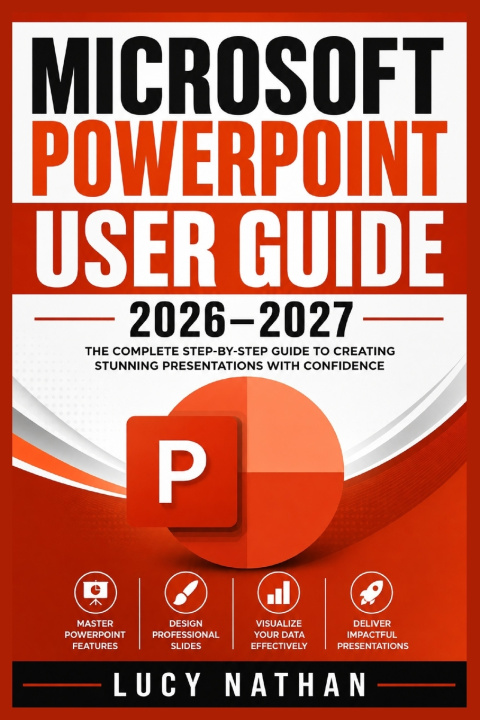
MICROSOFT POWERPOINT USER GUIDE 2026-2027
The Complete Beginner-to-Advanced Handbook for Creating Professional Presentations, Mastering Templates, Animation, Collaboration, AI Features, and Productivity Workflows
 English
 45 b
45 b
 New
New
 Delivery to Austria
Up to 30 days for returns

MICROSOFT POWERPOINT USER GUIDE 2026-2027
Do you struggle to create professional-looking PowerPoint presentations?
Do you find it difficult to organize slides, choose the right designs, or use PowerPoint's advanced features?
Do you worry about presentation errors, file problems, collaboration issues, or delivering slides that do not engage your audience?
Microsoft PowerPoint User Guide 2026-2027 is a practical beginner-to-advanced handbook designed to help you build professional presentations with confidence. It covers everything from creating your first slides to design, animation, collaboration, accessibility, AI features, productivity, troubleshooting, and reliable delivery.
Inside, You'll Discover:How to plan and structure presentations around your audience and desired outcome.
How to create professional themes, layouts, templates, visuals, charts, and diagrams.
How to use animations, Morph, transitions, Zoom, hyperlinks, and interactive navigation.
How to collaborate, improve accessibility, use Designer and Copilot responsibly, and work more efficiently.
How to export, print, troubleshoot, recover, test, and confidently deliver your presentations.
Whether you are a beginner, student, teacher, business professional, or experienced PowerPoint user, this guide can help you turn PowerPoint from a collection of confusing tools into a reliable professional workflow.
Ready to create better presentations and master PowerPoint? Get your copy of Microsoft PowerPoint User Guide 2026-2027 today.


About the book
English
Categories

Give this book today
It's easy
1 Add to cart and choose Deliver as present at the checkout 2 We'll send you a voucher 3 The book will arrive at the recipient's addressHi! I'm Libroamiko, your book advisor.
How can I help you?