
 Contact
 How to shop
Delivery
Shopping guide
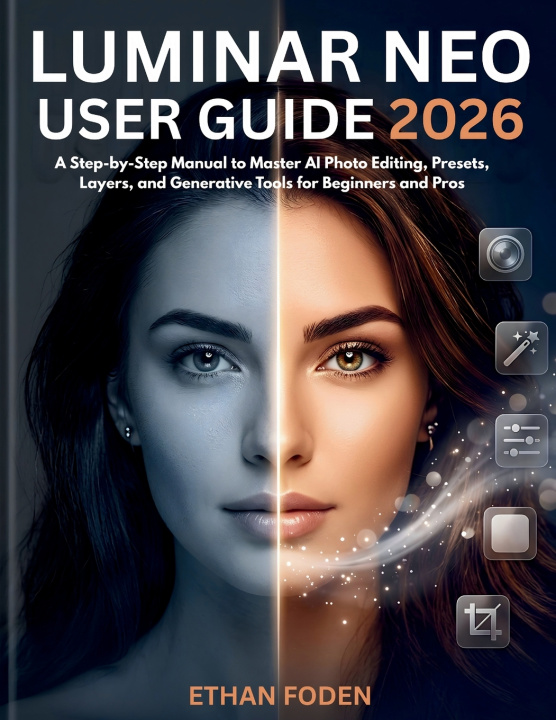
Luminar Neo User Guide 2026
A Step-by-Step Manual to Master AI Photo Editing, Presets, Layers and Generative Tools for Beginners and Pros
 English
 56 b
56 b
 New
New
 Delivery to Austria
Up to 30 days for returns

You bought Luminar Neo because you saw what it could do in ten seconds. Then you opened it.
The panels, the AI buttons, the dozens of tools sitting side by side with no hint of where to start. You click around, something changes, and twenty minutes later the photo looks worse than when you began. That isn't you. It's that nobody explains the logic of the program before turning you loose inside it.
This guide explains the logic first. Step by step, in plain language, it takes you from a blank screen to finished edits you're proud of - and on to the AI tools that probably sold you on the software in the first place.
Inside, you'll learn how to:
- Set up Neo and find your way around without the first-day overwhelm
- Make a real, finished edit in minutes using Enhance AI and the core controls
- Get far more out of every shot with RAW editing, layers, and curves
- Edit only where you want - brighten a face, deepen a sky - with masks and Mask AI
- Replace a dull sky, erase distractions with GenErase, and extend a frame with GenExpand
- Retouch portraits that still look like real people, not plastic mannequins
- Build presets and a signature style you can reuse across an entire shoot
- Work faster with batch editing and the right export settings for web, print, and social
Written for results, not theory
Every chapter is something you can do with the app open beside you. You get step-by-step instructions, the small tricks the pros use, honest warnings about the catches reviews never mention, and three complete start-to-finish projects - a portrait, a flat landscape, and a creative composite - so the lessons actually stick.
It's for the complete beginner who just installed Neo and doesn't know what RAW means. It's for the switcher coming from Lightroom or Photoshop who wants to get productive in an afternoon. And it's for anyone tired of stitching together random tutorials and ready to learn the software properly, once.
You also get a plain-English glossary, a quick-reference shortcut sheet for Windows and Mac, and a troubleshooting chapter for the day something won't behave.
Open Luminar Neo, keep this guide beside you, and turn your ordinary shots into photos you're glad you took.
This is an independent, unofficial guide. It is not authorized by, endorsed by, or affiliated with Skylum or Luminar Neo. All product names and trademarks are the property of their respective owners.


About the book
English

Give this book today
It's easy
1 Add to cart and choose Deliver as present at the checkout 2 We'll send you a voucher 3 The book will arrive at the recipient's addressHi! I'm Libroamiko, your book advisor.
How can I help you?