
 Contact
 How to shop
Delivery
Shopping guide
FydeOS
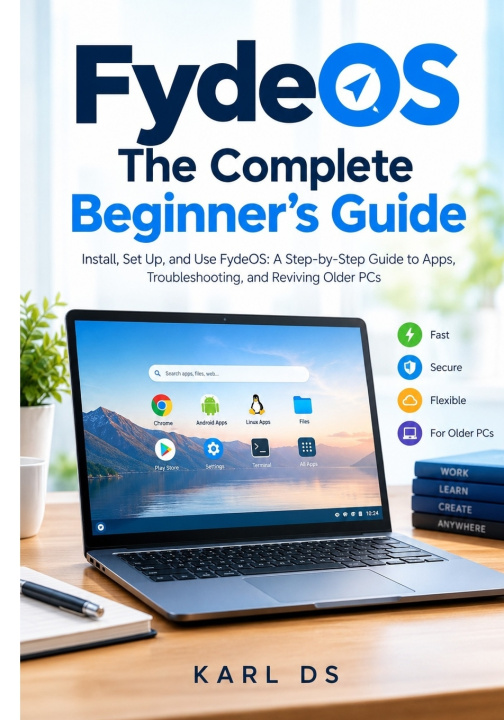
The Complete Be-ginner's Guide: Install, Set Up, and Use FydeOS: A Step-by-Step Guide to Apps, Troubleshooting, and Reviving Older PCs
 English
 81 b
81 b
 Coming soon
 New
New
 Delivery to Austria
Up to 30 days for returns

Give Your Computer a Fresh Start with FydeOS
Want a simpler way to use your computer-or a practical way to bring an older laptop back into everyday use?
FydeOS: The Complete Beginner's Guide walks you through the process of understanding, installing, setting up, and using FydeOS, even if you have never installed an operating system before.
Written for beginners, this practical guide breaks complicated tasks into clear steps, with screenshots, checklists, and troubleshooting advice to help you move forward with confidence.
Inside, you'll learn how to:
Understand FydeOS: Explore its features and compare it with Windows and ChromeOS before deciding whether it suits your needs.
Check compatibility: Review your computer's hardware and prepare it for installation.
Create a bootable USB drive: Prepare the installer and work through common USB problems.
Install and configure FydeOS: Follow the installation process, complete initial setup, and learn your way around the desktop.
Use apps productively: Explore web apps, Android apps, Linux apps, files, storage, printing, and everyday workflows.
Explore FydeOS AI: Learn about AI-assisted writing, searching, summarizing, and other productivity tasks.
Improve security and reliability: Understand updates, privacy settings, backups, recovery, and troubleshooting.
Revive older computers: Discover practical considerations for low-spec hardware, ARM boards, and Raspberry Pi devices.
Explore business and education uses: Learn about kiosk setups and potential applications in schools, training centers, and small businesses.
You don't need to be an expert to get started.
Whether you are a curious beginner, a student, a home user, a teacher, or someone exploring alternatives for an older computer, this guide gives you a structured starting point.
Make an informed decision, prepare carefully, and learn FydeOS one step at a time.
Note: FydeOS features and installation steps can change between releases. Always check current official documentation and back up important files before installing an operating system.


About the book
English

Give this book today
It's easy
1 Add to cart and choose Deliver as present at the checkout 2 We'll send you a voucher 3 The book will arrive at the recipient's addressHi! I'm Libroamiko, your book advisor.
How can I help you?