
 Contact
 How to shop
Delivery
Shopping guide
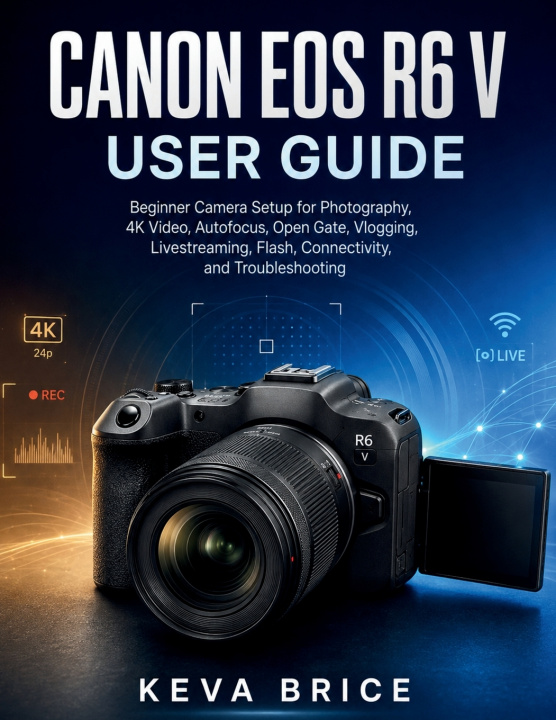
CANON EOS R6 V USER GUIDE
Beginner Camera Setup for Photography, 4K Video, Autofocus, Open Gate, Vlogging, Livestreaming, Flash, Connectivity, and Troubleshooting
 English
 54 b
54 b
 Coming soon
 New
New
 Delivery to Austria
Up to 30 days for returns

Disclaimer: This is an independent educational user guide. It is not affiliated with, authorized by, or endorsed by Canon Inc. Product names and trademarks are used only to identify the camera discussed.
Are you using the EOS R6 V but still unsure which settings to choose for real-world photography and video?
This practical guide is designed to help beginners and developing creators understand the camera's controls, menus, recording options, and everyday workflows without relying on trial and error. It focuses on how features work, when to use them, and what to check when something does not behave as expected.
Inside, you will learn how to:
• Set up batteries, lenses, CFexpress and SD cards, firmware, and essential system options
• Configure 4K, 7K, Open Gate, RAW, XF-HEVC S, XF-AVC S, and frame rates
• Control exposure with shutter speed, aperture, ISO, zebras, false color, and waveform monitoring
• Set up autofocus, subject detection, eye tracking, stabilization, and handheld shooting
• Record clearer audio and configure microphones, headphones, and multi-channel sound
• Work with Canon Log 2, Canon Log 3, white balance, and color-monitoring tools
• Build practical setups for vlogging, interviews, podcasts, events, action, photography, and flash
• Customize buttons, dials, Quick Controls, and saved shooting modes
• Connect smartphones and computers, use Camera Connect and EOS Utility, stream through USB or HDMI, and troubleshoot common problems
This book does not replace Canon's official documentation, provide camera repair instructions, teach advanced professional cinematography theory, or guarantee identical results in every lighting or shooting situation.
If you want a structured reference that helps you move from camera setup to confident everyday operation while understanding the trade-offs behind important settings, this guide provides a practical place to start.


About the book
English
